Core Components
Number Effects
Interactive Elements
Advanced Effects
Radix UI Components
- Accordion
- Alert
- Alert Dialog
- Aspect Ratio
- Avatar
- Badge
- Breadcrumb
- Button
- Button Group
- Calendar
- Card
- Carousel
- Chart
- Checkbox
- Collapsible
- Combobox
- Command
- Context Menu
- Data Table
- Date Picker
- Dialog
- Direction
- Drawer
- Dropdown Menu
- Empty
- Field
- Hover Card
- Input
- Input Group
- Input OTP
- Item
- Kbd
- Label
- Menubar
- Native Select
- Navigation Menu
- Pagination
- Popover
- Progress
- Radio Group
- Resizable
- Scroll Area
- Select
- Separator
- Sheet
- Sidebar
- Skeleton
- Slider
- Sonner
- Spinner
- Switch
- Table
- Tabs
- Textarea
- Toast
- Toggle
- Toggle Group
- Tooltip
- Typography
Base UI Components
- Accordion
- Alert
- Alert Dialog
- Aspect Ratio
- Avatar
- Badge
- Breadcrumb
- Button
- Button Group
- Calendar
- Card
- Carousel
- Chart
- Checkbox
- Collapsible
- Combobox
- Command
- Context Menu
- Data Table
- Date Picker
- Dialog
- Direction
- Drawer
- Dropdown Menu
- Empty
- Field
- Hover Card
- Input
- Input Group
- Input OTP
- Item
- Kbd
- Label
- Menubar
- Native Select
- Navigation Menu
- Pagination
- Popover
- Progress
- Radio Group
- Resizable
- Scroll Area
- Select
- Separator
- Sheet
- Sidebar
- Skeleton
- Slider
- Sonner
- Spinner
- Switch
- Table
- Tabs
- Textarea
- Toast
- Toggle
- Toggle Group
- Tooltip
- Typography
You can use the DWL Components CLI to run your own code registry. Running your own registry allows you to distribute your custom components, hooks, pages, config, rules and other files to any project.
Note: The registry works with any project type and any framework, and is not limited to React.
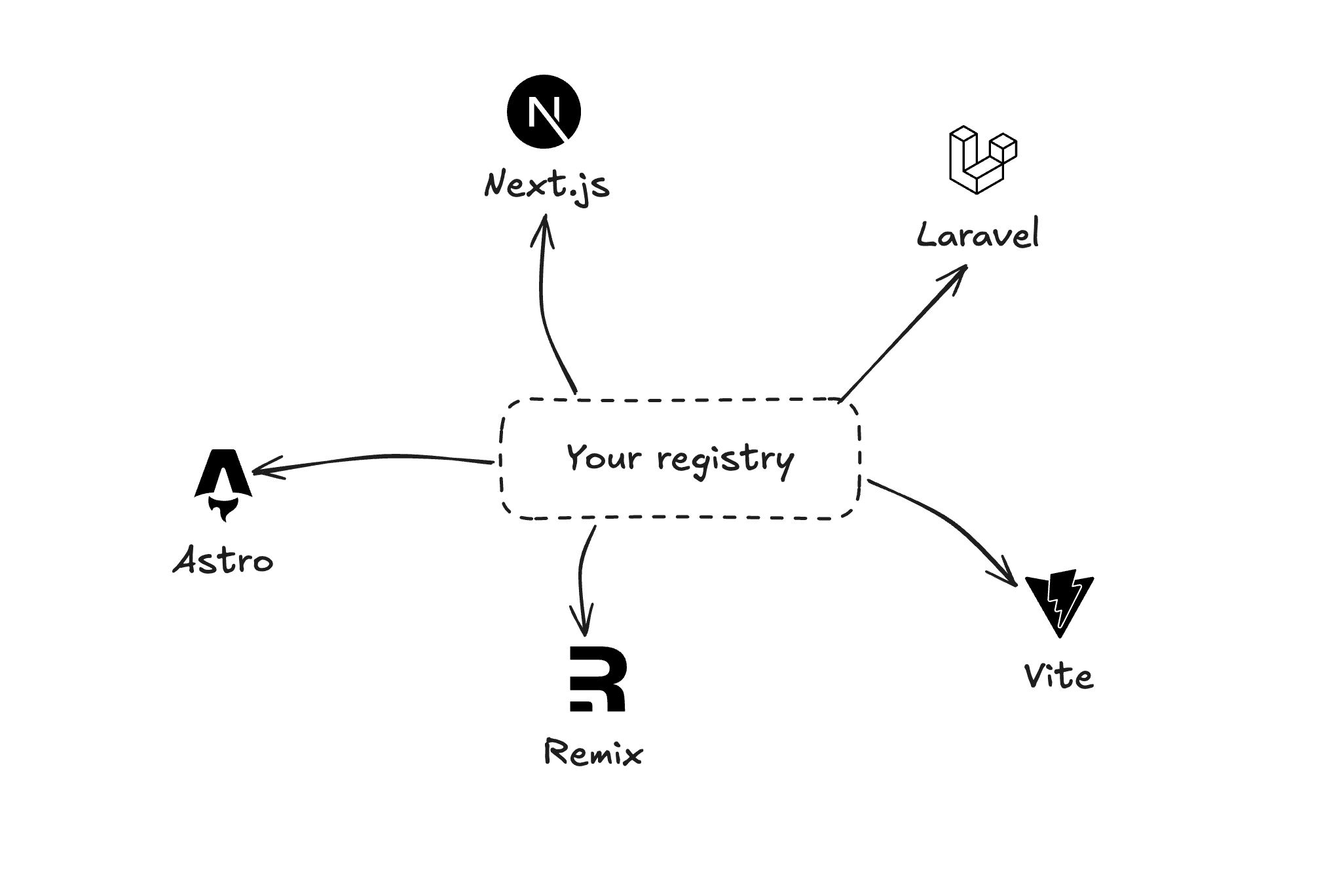
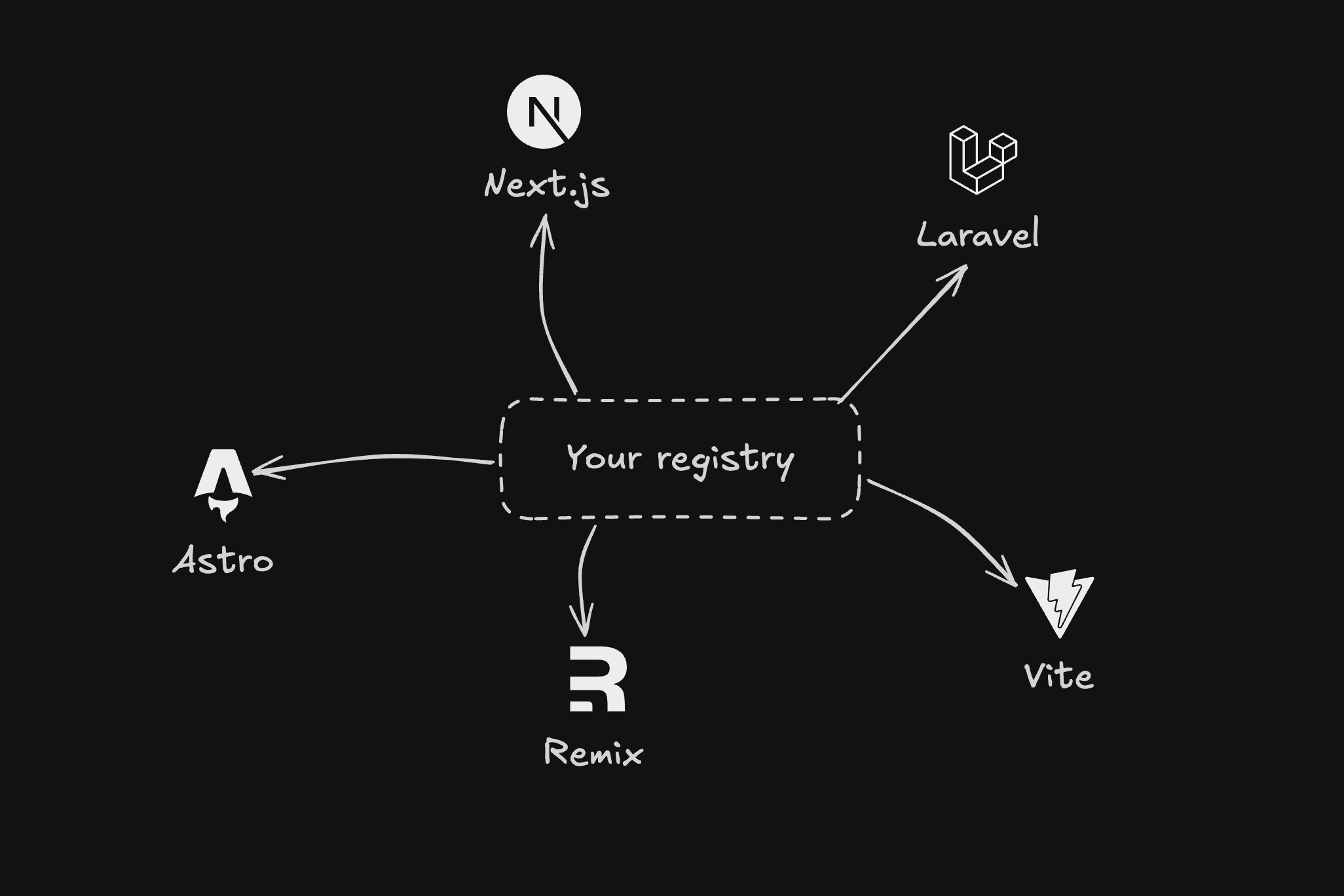
A distribution system for code
Ready to create your own registry? In the next section, we'll walk you through setting up your own custom registry step-by-step, from creating your first component to publishing it for others to use.
Build with DWL Components
Use the copied registry, charts, blocks, and create tools in one place.
Start from the DWL Components create flow and customize from there.
Open DWL Components Create