Core Components
Number Effects
Interactive Elements
Advanced Effects
Radix UI Components
- Accordion
- Alert
- Alert Dialog
- Aspect Ratio
- Avatar
- Badge
- Breadcrumb
- Button
- Button Group
- Calendar
- Card
- Carousel
- Chart
- Checkbox
- Collapsible
- Combobox
- Command
- Context Menu
- Data Table
- Date Picker
- Dialog
- Direction
- Drawer
- Dropdown Menu
- Empty
- Field
- Hover Card
- Input
- Input Group
- Input OTP
- Item
- Kbd
- Label
- Menubar
- Native Select
- Navigation Menu
- Pagination
- Popover
- Progress
- Radio Group
- Resizable
- Scroll Area
- Select
- Separator
- Sheet
- Sidebar
- Skeleton
- Slider
- Sonner
- Spinner
- Switch
- Table
- Tabs
- Textarea
- Toast
- Toggle
- Toggle Group
- Tooltip
- Typography
Base UI Components
- Accordion
- Alert
- Alert Dialog
- Aspect Ratio
- Avatar
- Badge
- Breadcrumb
- Button
- Button Group
- Calendar
- Card
- Carousel
- Chart
- Checkbox
- Collapsible
- Combobox
- Command
- Context Menu
- Data Table
- Date Picker
- Dialog
- Direction
- Drawer
- Dropdown Menu
- Empty
- Field
- Hover Card
- Input
- Input Group
- Input OTP
- Item
- Kbd
- Label
- Menubar
- Native Select
- Navigation Menu
- Pagination
- Popover
- Progress
- Radio Group
- Resizable
- Scroll Area
- Select
- Separator
- Sheet
- Sidebar
- Skeleton
- Slider
- Sonner
- Spinner
- Switch
- Table
- Tabs
- Textarea
- Toast
- Toggle
- Toggle Group
- Tooltip
- Typography
March 2026 - Introducing Luma
Rounded geometry. Soft elevation. Breathable layouts. Inspired by macOS Tahoe, minus the glass.
Introducing Luma, a new DWL Components style. Rounded geometry. Soft elevation. Breathable layouts. Inspired by macOS Tahoe, minus the glass.
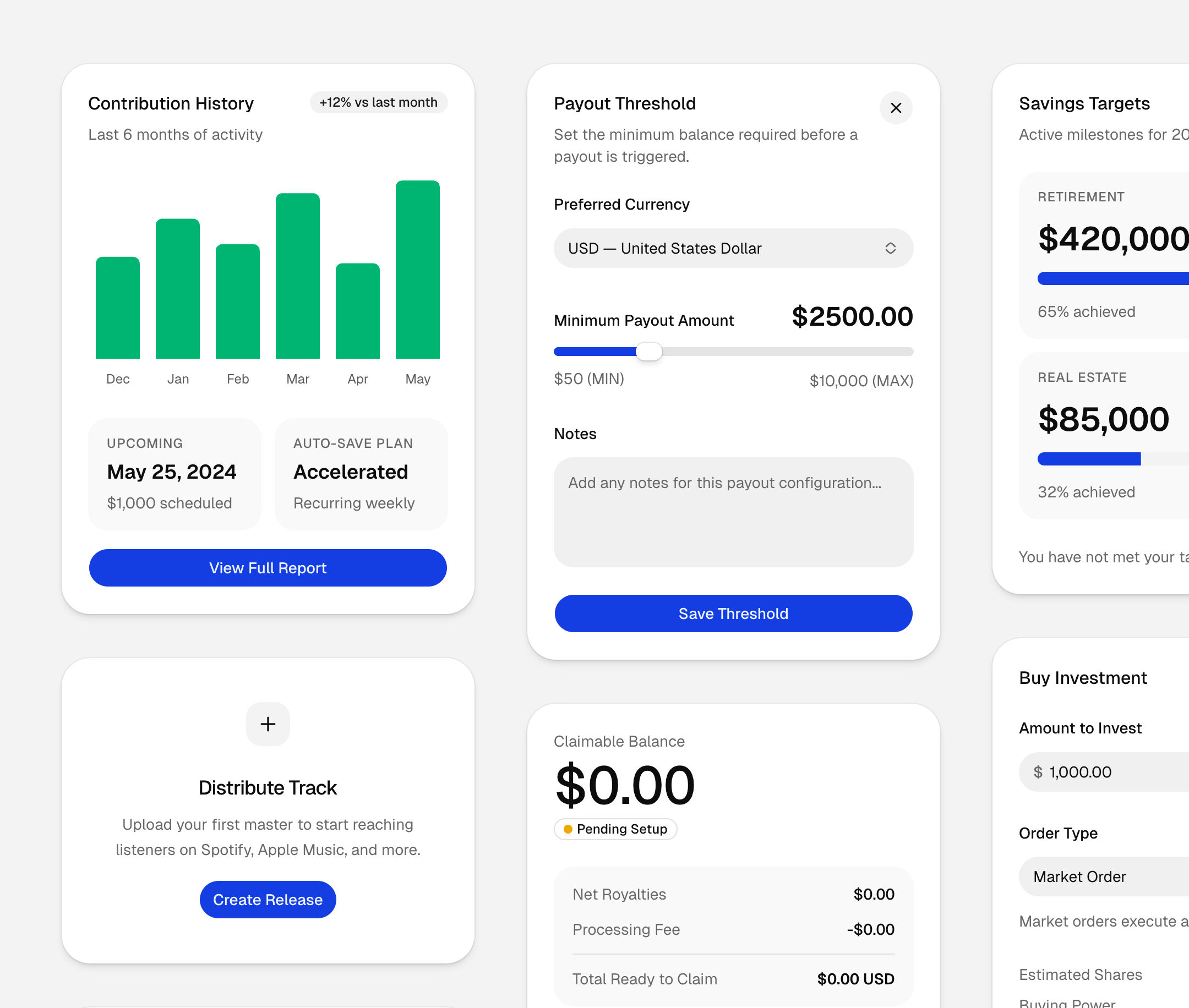
Try Luma in DWL Components/create
Luma is a new foundation for your next app. It gives components softer surfaces, more open spacing, and a calmer visual rhythm while keeping the same DWL Components workflow.
Like the other new styles, Luma goes beyond theming. It changes the geometry, spacing, and feel of the components so your app starts from a different visual baseline.
Available now in DWL Components/create for both Radix and Base UI.
Try Luma
Build with DWL Components
Use the copied registry, charts, blocks, and create tools in one place.
Start from the DWL Components create flow and customize from there.
Open DWL Components Create